Custom web apps, built around the way you work
Client portals, booking and quoting tools, dashboards and internal systems, in any browser.
Custom web app development for Australian businesses: client portals, booking and quoting tools, dashboards and internal systems, built for your business and running in any browser, on any device.
No app stores, no per-seat software fees, no bending your process to fit someone else's product.
Why a web app
Off-the-shelf software gets you most of the way, then makes you fight the last stretch. A web app is built to fit your business exactly, and a browser is all anyone needs to use it.
Works on any device
Phone, tablet, laptop, the dusty PC in the workshop: one codebase runs everywhere there's a browser. Nothing to install, nothing to keep updated on each device.
No app-store hoops
No review queues, no store fees, no waiting for users to update. We ship a fix or a new feature and everyone has it the next time they open the page.
Built around your process
Generic software makes you work its way. A custom tool works your way (your steps, your terms, your quirks) with none of the features you'd never use.
Talks to the tools you already use
Accounting software, calendars, email, spreadsheets, payment providers: a web app can sit in the middle and move data between them, so you stop retyping things.
One place for your information
Instead of jobs living across texts, emails and three spreadsheets, everything sits in one system with one login, and everyone sees the same, current version.
Accountable after launch
Greenshoots is based in Bateau Bay, NSW. You deal with Greenshoots directly, before, during and long after launch. No ticket queues, no offshore handballing.
What we build
If your business runs on a clunky spreadsheet, a paper form or a "we just remember" system, there's probably a web app in it. Some common shapes:
Client portals and dashboards
A login where your clients see their jobs, invoices, files or progress, instead of emailing you to ask. Fewer "just checking in" calls, happier clients.
Booking and scheduling tools
Let customers book the right slot, the right service and the right person, with your real availability, your rules, and confirmations sent automatically.
Quoting tools and calculators
Turn your pricing know-how into a tool: customers answer a few questions and get an instant estimate, or your team builds consistent quotes in minutes, not evenings.
Internal admin systems
Job tracking, rosters, stock, sign-offs, checklists: the back-office stuff currently held together by spreadsheets and memory, in one tidy system your team actually uses.
Configurators
Let customers build their own product or package: pick options, see the price update live, and send you exactly what they want. No back-and-forth emails.
Integrations and automations
Glue between systems you already pay for: when a form is filled, an invoice is raised; when a booking lands, the calendar and the customer both know. Less retyping, fewer mistakes.
Web apps we've built
Real tools, running in the browser today. Each one started as a spreadsheet, an inbox or an idea.
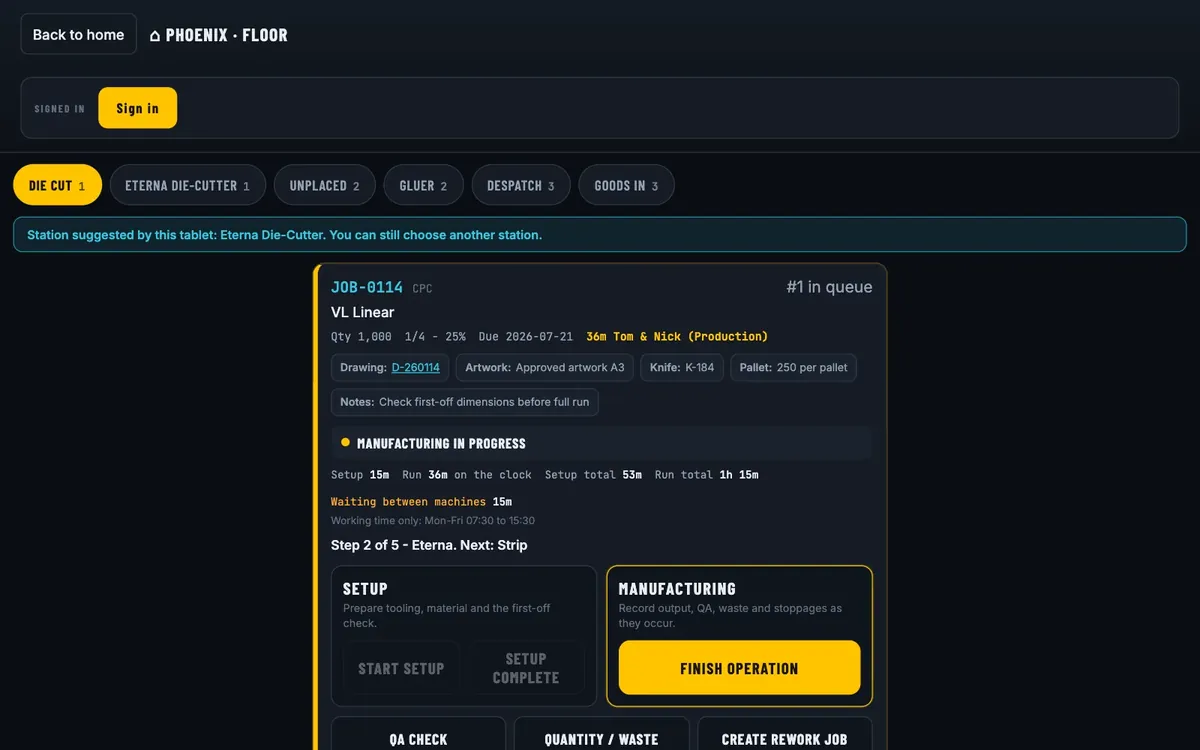
Phoenix Packaging
Order emails become checked drafts, and the factory floor sees every job live.
Read the case studyFrom three systems to one
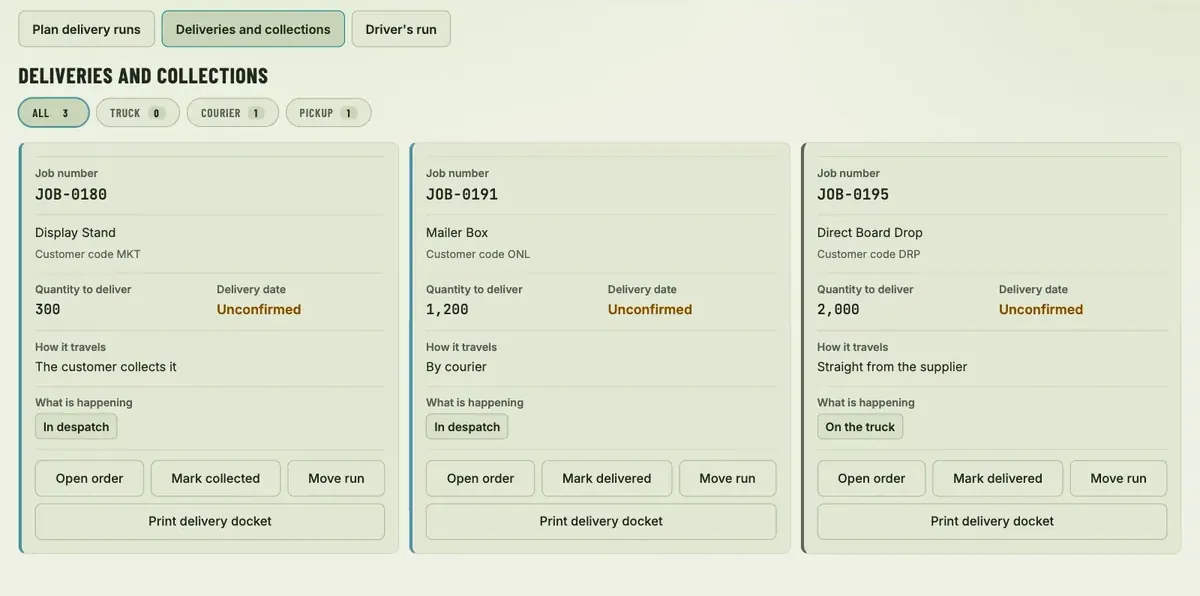
Phoenix Packaging makes cartons. Orders, production and purchasing lived in three systems that did not talk, so the same order was typed two or three times. We built PhoenixOS, a browser-based system the office, the floor and despatch all use.
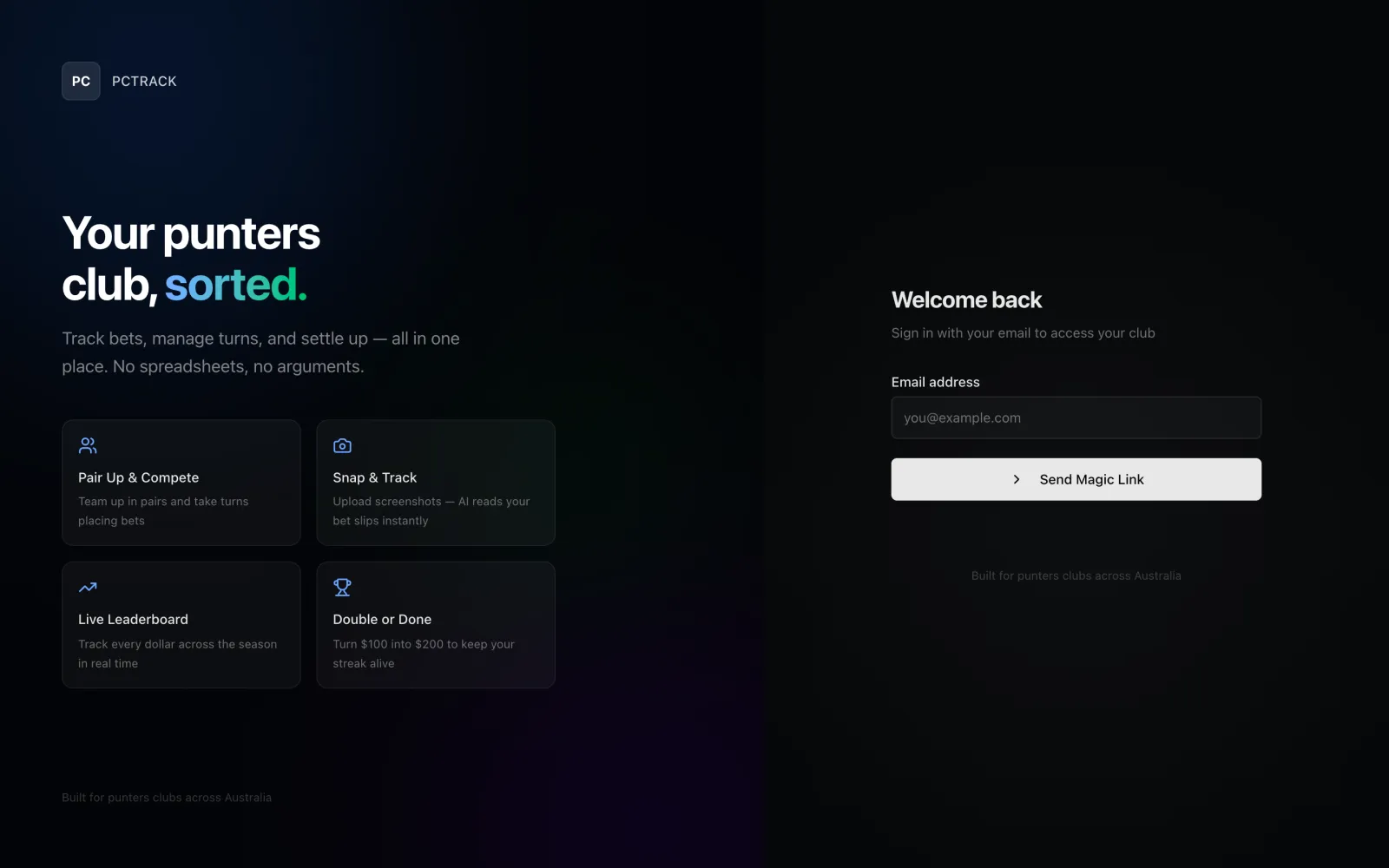
- A customer emails an order and within a minute it is on the New Orders list, with an AI draft of the customer, products and quantities and the evidence behind every field. A person checks it and presses Process Order. The AI cannot create an order and leaves a field blank rather than guess.
- We started with one morning job, the supplier work-in-progress report, and ran it in shadow mode first. It matched 14 of 14 supplier tasks on day one, before it wrote anything. It has run every morning since 5 August 2026.
- Machines on the factory floor have tablets that record setup and run time, and despatch and goods-in run from the same system. PhoenixOS has been in production since 21 September 2026.
We used to start every morning re-keying supplier spreadsheets before anyone could trust the job board. That's gone. The floor has a live board now, and the numbers are right. Everything looks amazing.
Read the Phoenix Packaging case study for how the project ran, step by step.
Web app or native app?
We build both (web apps and native iOS apps) so we've got no reason to push you either way. Here's the honest version of when each one makes sense.
Choose a web app when...
- You want one tool that works on every device, with nothing to install
- Your users have internet access most of the time
- You want updates live for everyone instantly, no app-store review
- You need to reach everyone: iPhone, Android and desktop from one build, no app-store step (our native apps are iOS-only)
This covers most small-business tools: portals, bookings, quoting, admin systems, dashboards. If what you actually want is the data moving between your existing systems on its own (no one typing it twice), that's business automation instead.
Choose a native app when...
- You genuinely need push notifications to reach people
- It has to work properly offline: out of range, on site, underground
- You need deep access to phone hardware: camera, GPS, sensors
- Being in the App Store matters, and your audience is on iPhone
Sound more like you? Have a look at our native iOS app development instead, or ask us and we'll tell you straight. Keep in mind a native app reaches iPhone and the App Store only; if Android reach matters, a web app covers everyone.
How it works
No fifty-page spec documents, no surprises at invoice time. You see working software early and often.
-
Tell us the problem
A free chat, in plain English. Bring the clunky spreadsheet or the paper form. You don't need a spec, just the headache.
-
Scope and fixed quote
We map out what the tool needs to do, what's in and what's out, and give you a written fixed quote before you commit to anything.
-
Build in the open
You get a working version early and we shape it together. It's much cheaper to change course at week two than at handover.
-
Launch and support
We launch it, host it if you like, and stay on hand: fixing issues, answering questions and building new features as you grow.
What it costs
No two web apps are the same, so we don't pretend there's a fixed price list. Every project is quoted to your scope.
Custom quoted, fixed up front
A simple calculator is a much smaller job than a full client portal, so we scope first and quote second. You get a written fixed quote before any work starts: no hourly creep, no surprises. All quotes in AUD inclusive of GST. Project work is covered by our Project Services Agreement. Once the project is paid for, you own the code.
Running costs are simple too
Your app can run on our managed hosting from $30/mo, with SSL, daily backups and uptime monitoring included, the same base as every Greenshoots bundle. A once-off setup fee of $100 applies when starting a hosting bundle, and is waived on annual plans.
Want proof first? Have a look at what we've built.
Frequently asked questions
Honest answers to the questions we hear most about web apps.
It depends on scope, and we won't pretend otherwise. A simple calculator or booking form is a much smaller job than a full client portal with logins and reporting. Tell us what you need and you'll get a written fixed quote before any work starts: no surprises, no hourly creep.
A website tells people about your business: pages they read. A web app does work for your business: people log in, enter data, book things, generate quotes, see live information. Most businesses need both, and they can live on the same domain.
For most small businesses, a web app. It runs on every device (iPhone, Android and desktop) from one build, there's nothing to install, and updates go live instantly. Choose a native iOS app when you genuinely need push notifications, proper offline use, or phone hardware like the camera or GPS, and your audience is on iPhone. We build both, so we'll tell you straight which one fits.
Usually, yes. Most modern tools (accounting software like Xero, calendars, email platforms, payment providers, spreadsheets) have ways to connect. We check what's possible during scoping, and if something can't be connected we'll tell you up front rather than find out mid-build.
We can. Web apps we build can run on our managed hosting from $30/mo, with SSL, daily backups and uptime monitoring included, and we're on hand to fix issues and build new features as you need them. You're also free to host it elsewhere. It's your app.
You do. Once the project is paid for, you own the code we write for you and all the data in it. If you ever move on, both go with you. No hostage situations.
Got a tool in mind?
Tell us about the spreadsheet that's outgrown itself or the process that eats your evenings. We'll tell you honestly whether a web app is the right fix, and give you a fixed quote if it is. No pressure, no obligation, no jargon.